






Find the right part.
Build the right setup.
Shop replacement, protection, storage and utility parts with a buying path built around vehicle details, product references and practical fitment checks.
Start with the part of the vehicle you want to organize, protect or upgrade.
Browse the six core accessory groups in the current DriveForge catalog, then narrow by vehicle and product details before ordering.
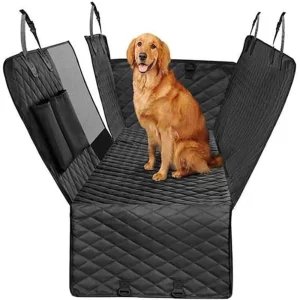
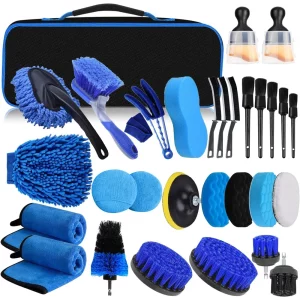
Storage & Organization
Shop category →
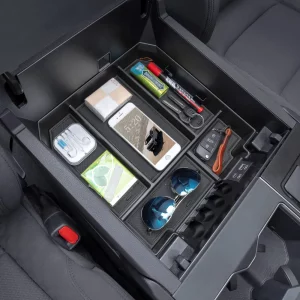
Interior Storage
Shop category →
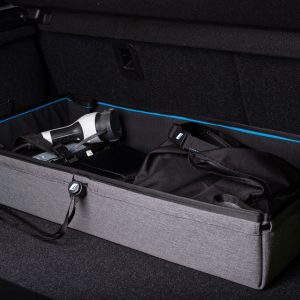
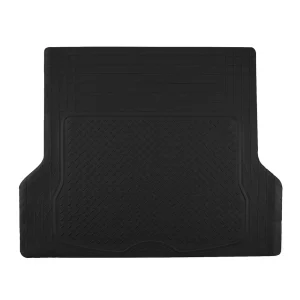
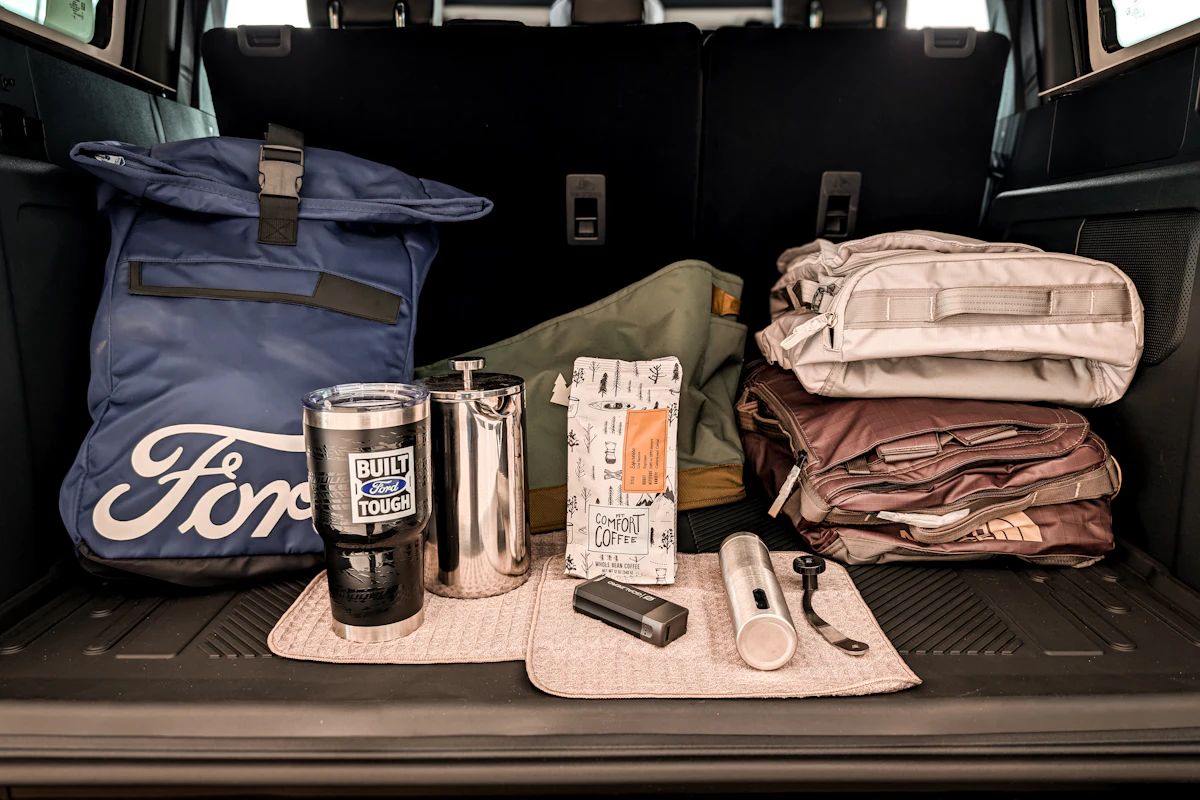
Cargo Storage
Shop category →
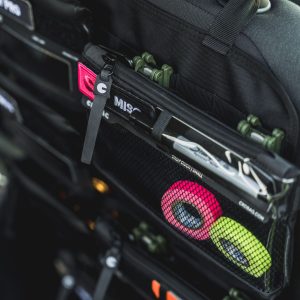
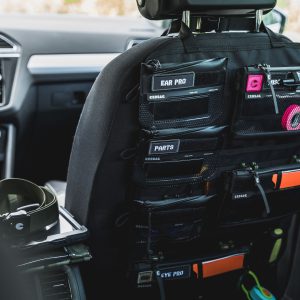
MOLLE Systems
Shop category →
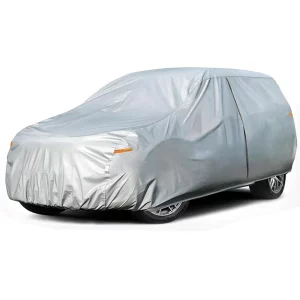
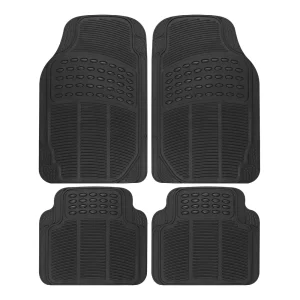
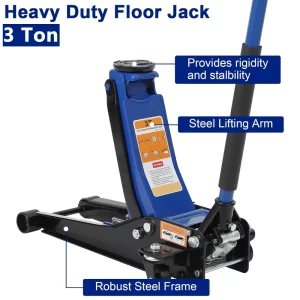
Protection
Shop category →
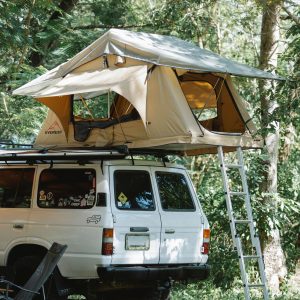
Camping & Utility
Shop category →
Start with three popular vehicle families.
Shop the way people actually look for parts.
Use the path that matches what you already know. Vehicle details, part references and category browsing should lead to the same goal: a product you can verify before checkout.
Year / Make / Model
Start with the vehicle when you know the car but not the exact part number.
Browse by product type
Move through storage, protection, MOLLE and utility categories when the need is clear.
Part number / reference
Use DriveForge SKUs, supplier references and existing part numbers as cross-checks alongside vehicle details.
Learn before ordering
Use fitment, reference and category buying guides to understand measurements, position and use case.
Build around how you actually use the vehicle.
Instead of starting with a long product list, choose the setup you are trying to improve and move into the most relevant categories.
Cleaner cabin, easier access
Start with interior storage, console organization and protective surfaces for everyday driving.
Organize gear without wasting space
Combine cargo storage, protection and utility accessories for road trips, work gear and weekend travel.
Modular mounting for flexible setups
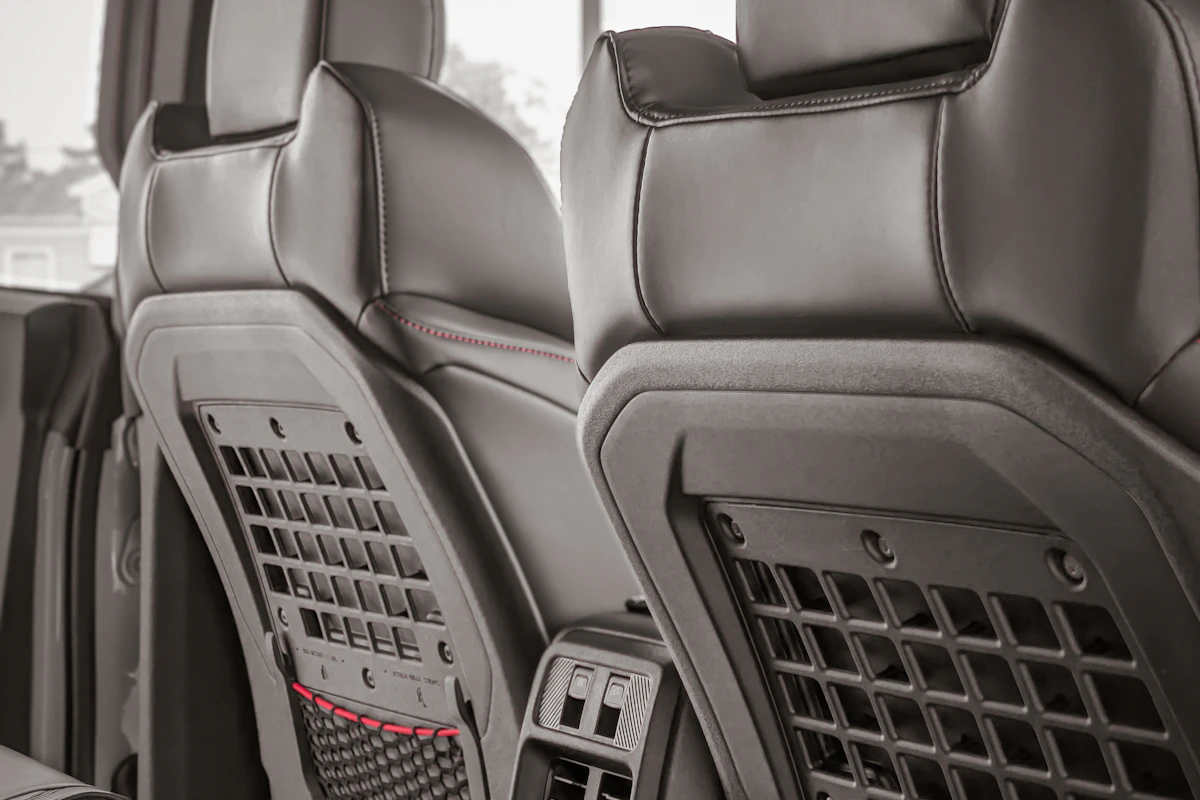
Use MOLLE-style panels and utility accessories when you want configurable access to tools and gear.
A useful product page answers more than “what is it?”
For vehicle-specific parts, the important checks are compatibility, position, reference data, dimensions and the exact configuration shown in the product listing.
Vehicle details
Year, make, model, engine and trim where verified data is available.
Installation position
Front/rear, left/right and other position details that can change compatibility.
Reference numbers
SKU, supplier and interchange references used as cross-checks.
Support path
When the listing is not enough, send your vehicle details and current part information.
Know the process before you place the order.
Shipping & Returns
Review delivery, order handling and return requirements before checkout.
Warranty
Understand warranty scope, exclusions and what information may be needed for a claim.
Useful answers before and after the purchase.
Vehicle Fitment Basics
Why Year / Make / Model is only the first filter and what else can change compatibility.
Guides & Research
Buying, reference, measurement and installation-prep guidance for the categories you are comparing.
Support Center
Find shipping, returns, warranty, order tracking, FAQs and parts support in one place.
Built around a clearer buying decision.
DriveForge brings product discovery, vehicle fitment guidance and parts support into one clear buying path, helping you compare the details that matter before checkout.
Use the selector to narrow the catalog, then confirm the product-specific vehicle, position, dimension and reference information shown on the listing before ordering.
Send the reference plus your vehicle details through support so it can be cross-checked against available catalog information.
The Shipping & Returns page explains the current policy and order requirements.